
Loop Master
Instructions for the Practice Session
Although nothing is absolute, here are some instructions that might help you in your practice
Before Starting:
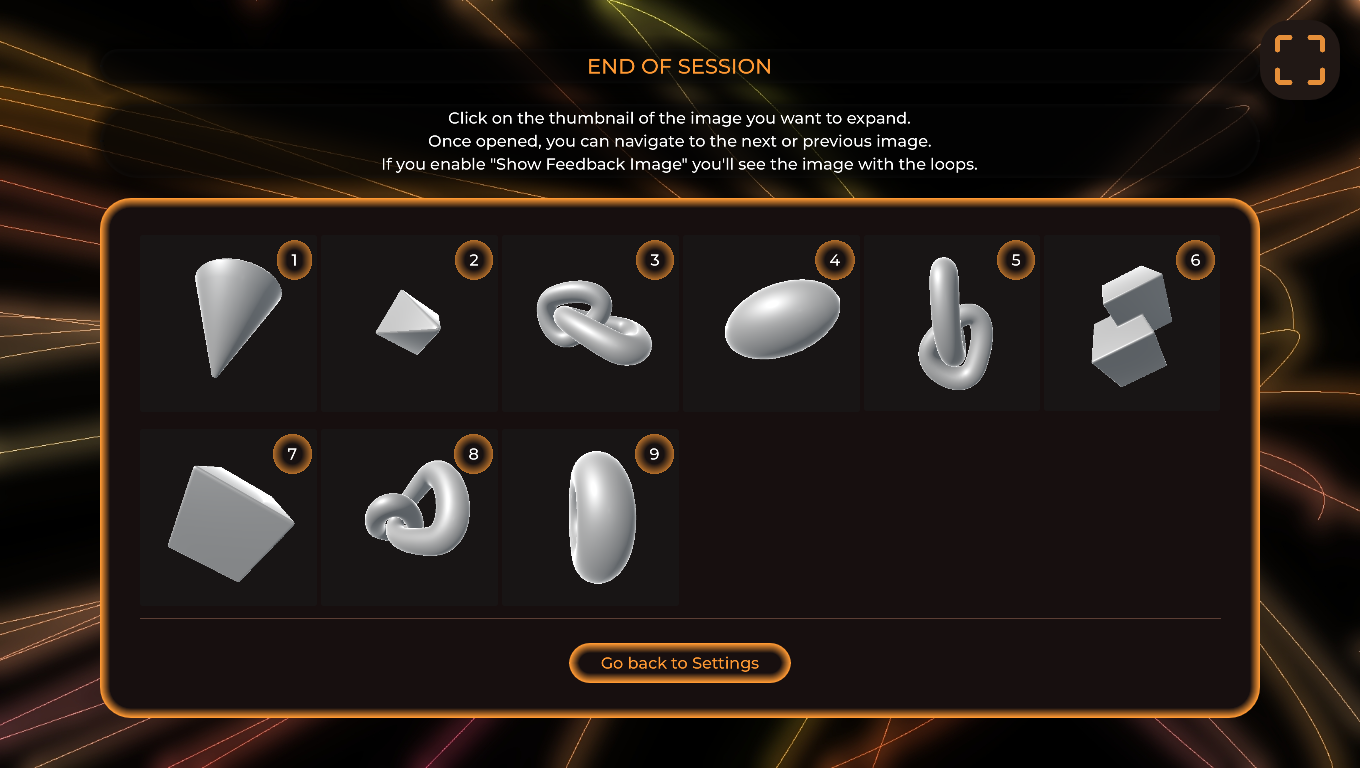
1.- Choose Your Session Settings: Select your preferred settings for the session, including the type of feedback and duration.
During the Session:
1.- Draw the Shape First:
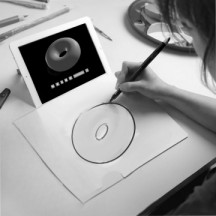
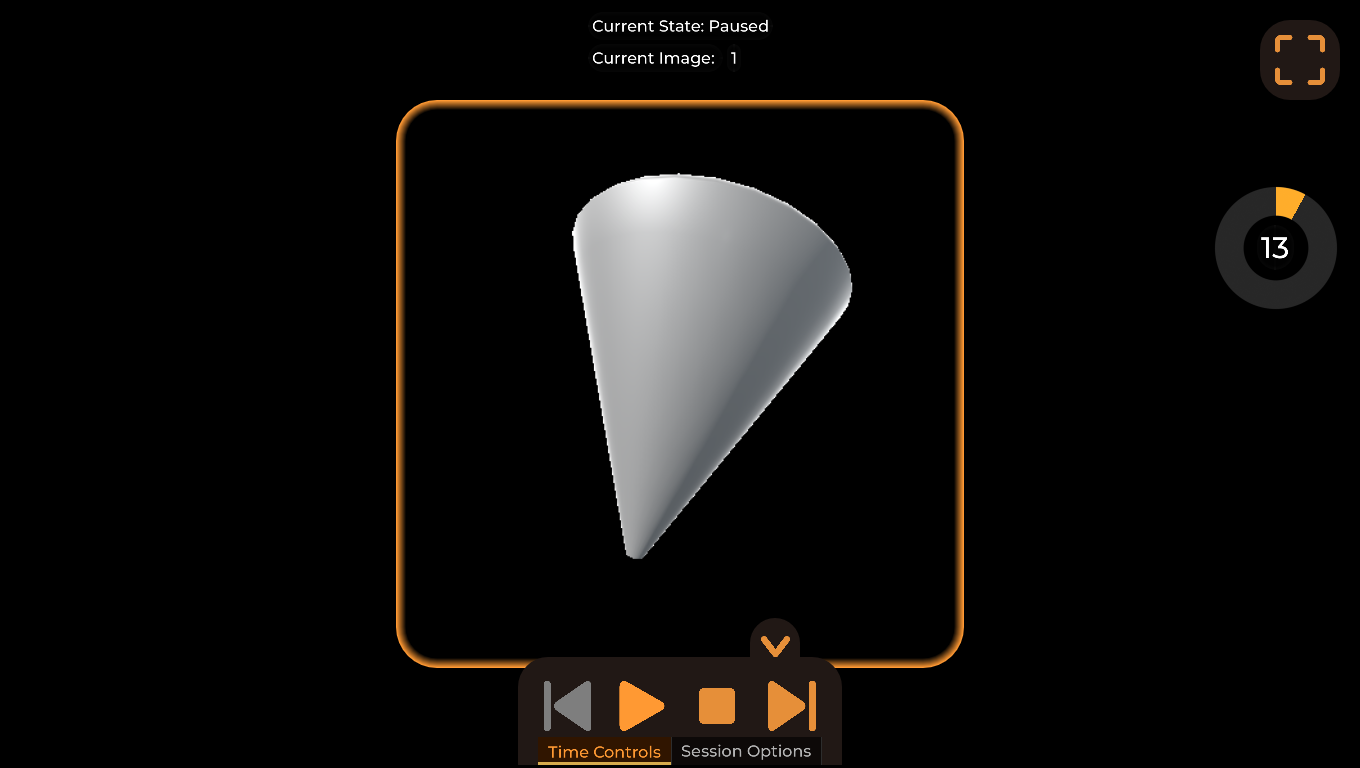
Begin by drawing the shape shown on the screen. Focus on capturing its overall form and proportions accurately.
2.- Visualize the Cross Contour Lines:
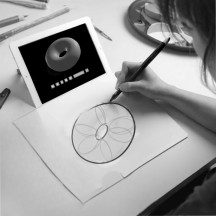
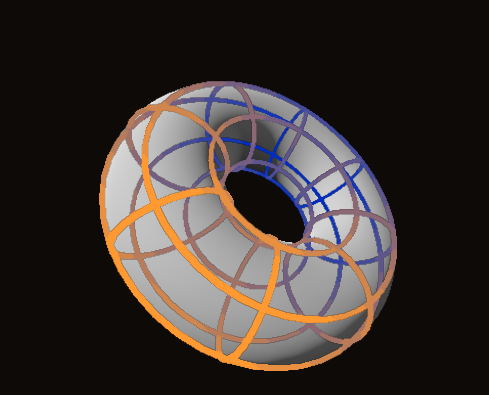
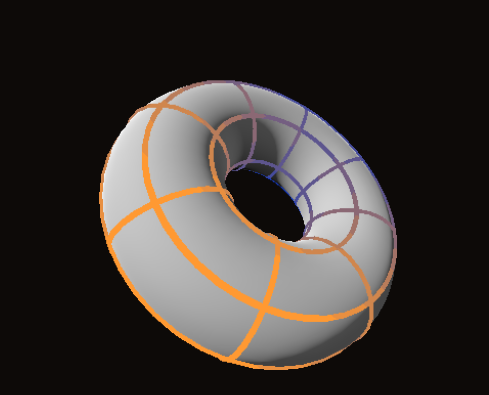
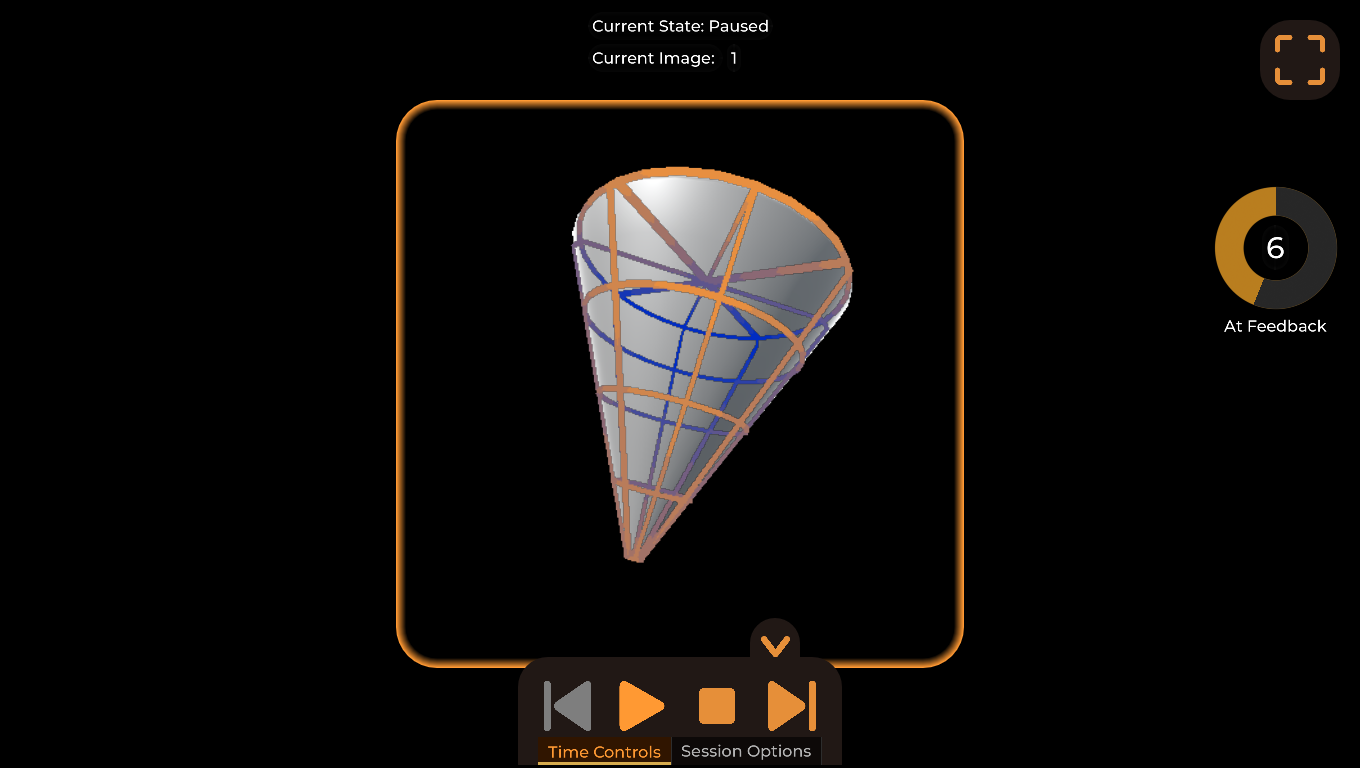
Once you have drawn the shape, take a moment to visualize the cross contour lines. Imagine how these lines would wrap around the form, following its curves and contours.
3.-Draw the Complete or Visible Cross Contour Lines:
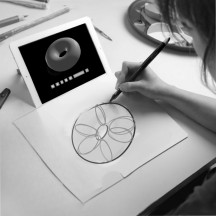
Decide whether you want to draw the complete cross contour lines or just the visible ones. If drawing only the visible lines, make sure they “hug” the shape, wrapping around its surface to convey depth and volume.
Leave a comment
Log in with itch.io to leave a comment.